
Features
Everything your event can do.
Beyond collecting photos: put the party on the big screen, frame every photo, let guests react, and send everyone a download link.
Create an event F1
F1 F2
F2 F3
F3 F4
F4 F5
F5
Your party on the big screen
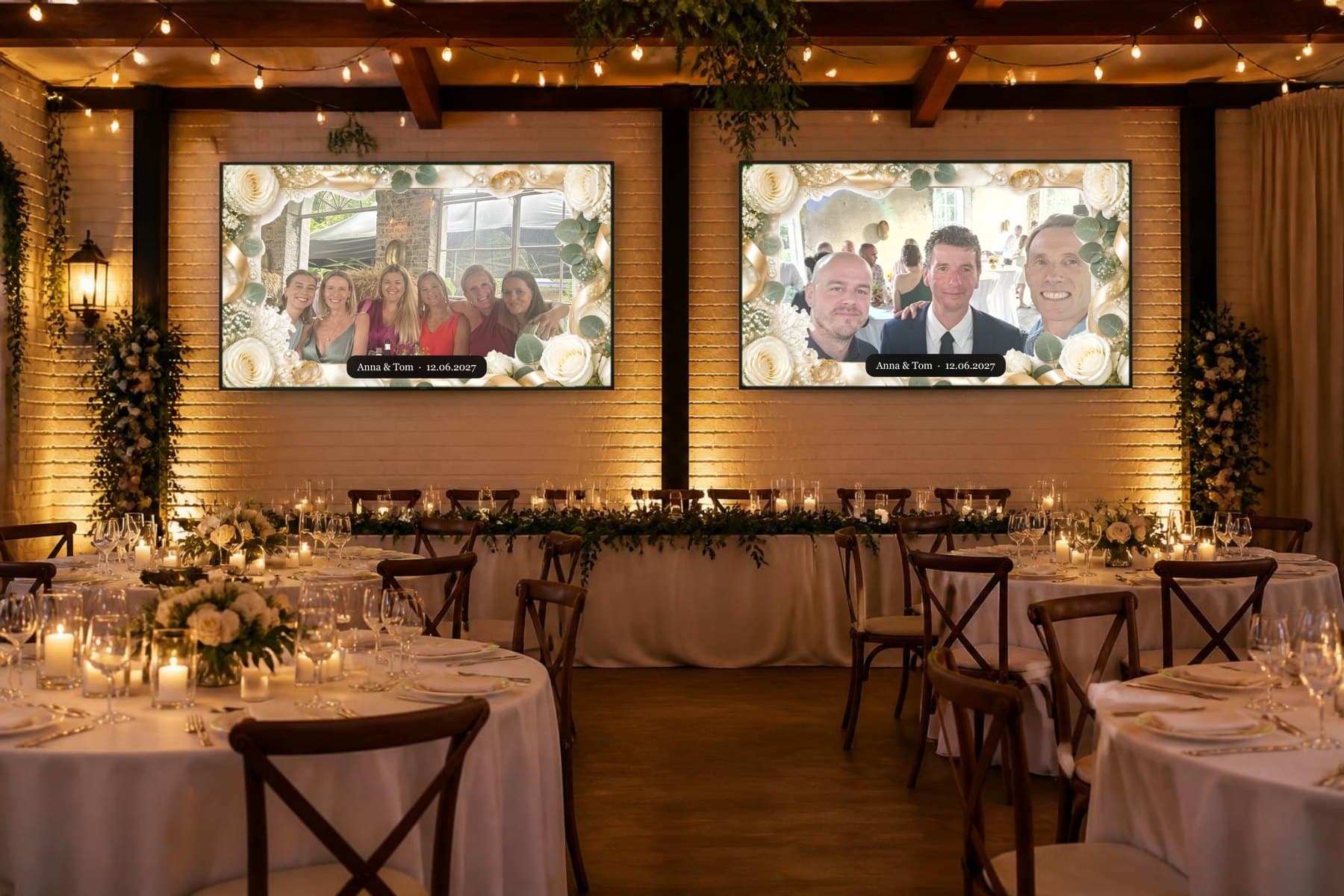
Open the Live Display on TVs around the venue, a laptop or a projector and every new photo appears on its own, with no refreshing. Pair a TV with the code it shows, or just open the link.
- Pause, skip, hide a photo, favorite it or blank the screen from your phone
- Choose the order: surprise mix, newest first, most loved or your favorites
- Show the QR code on screen so latecomers can join
- Add your title, names and date: they show on the screen too
 F6 LIVE
Frames made for every celebration
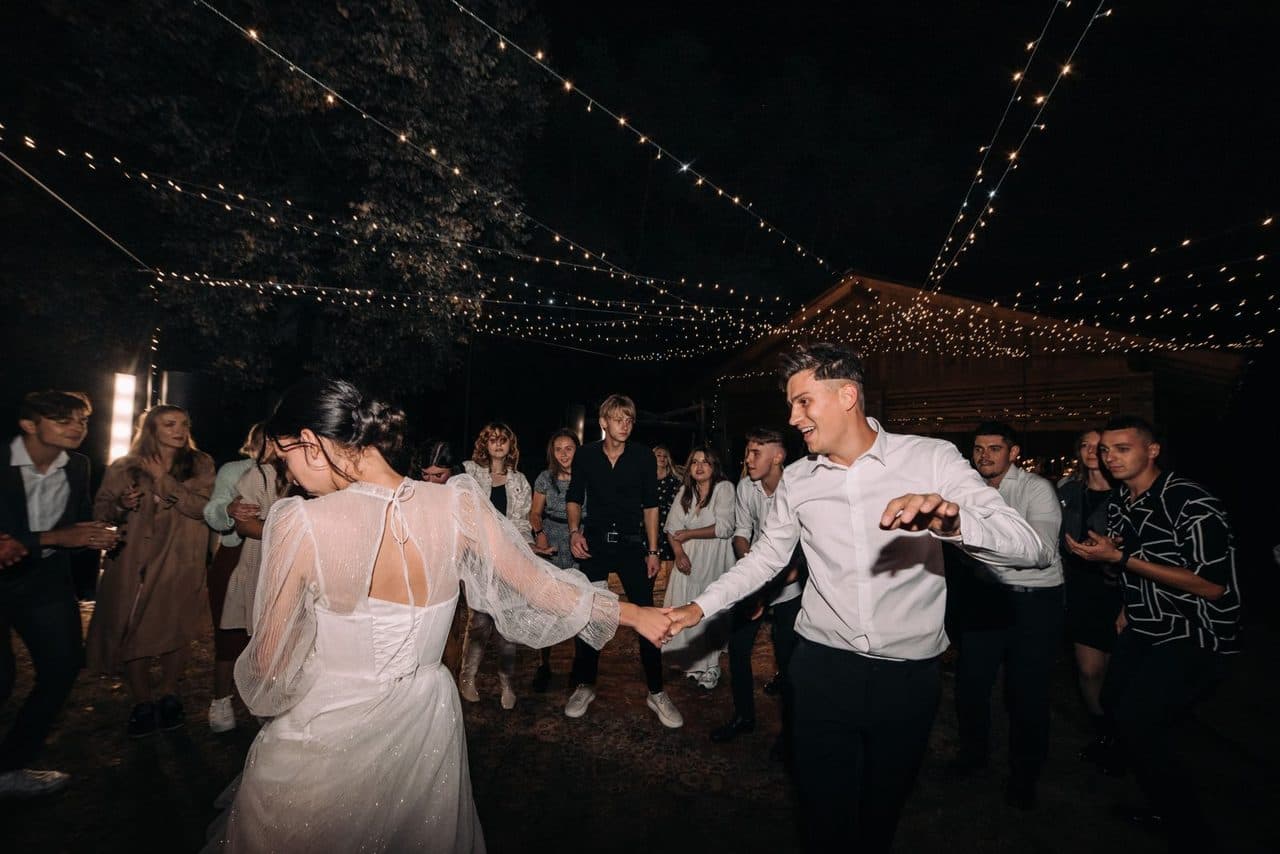
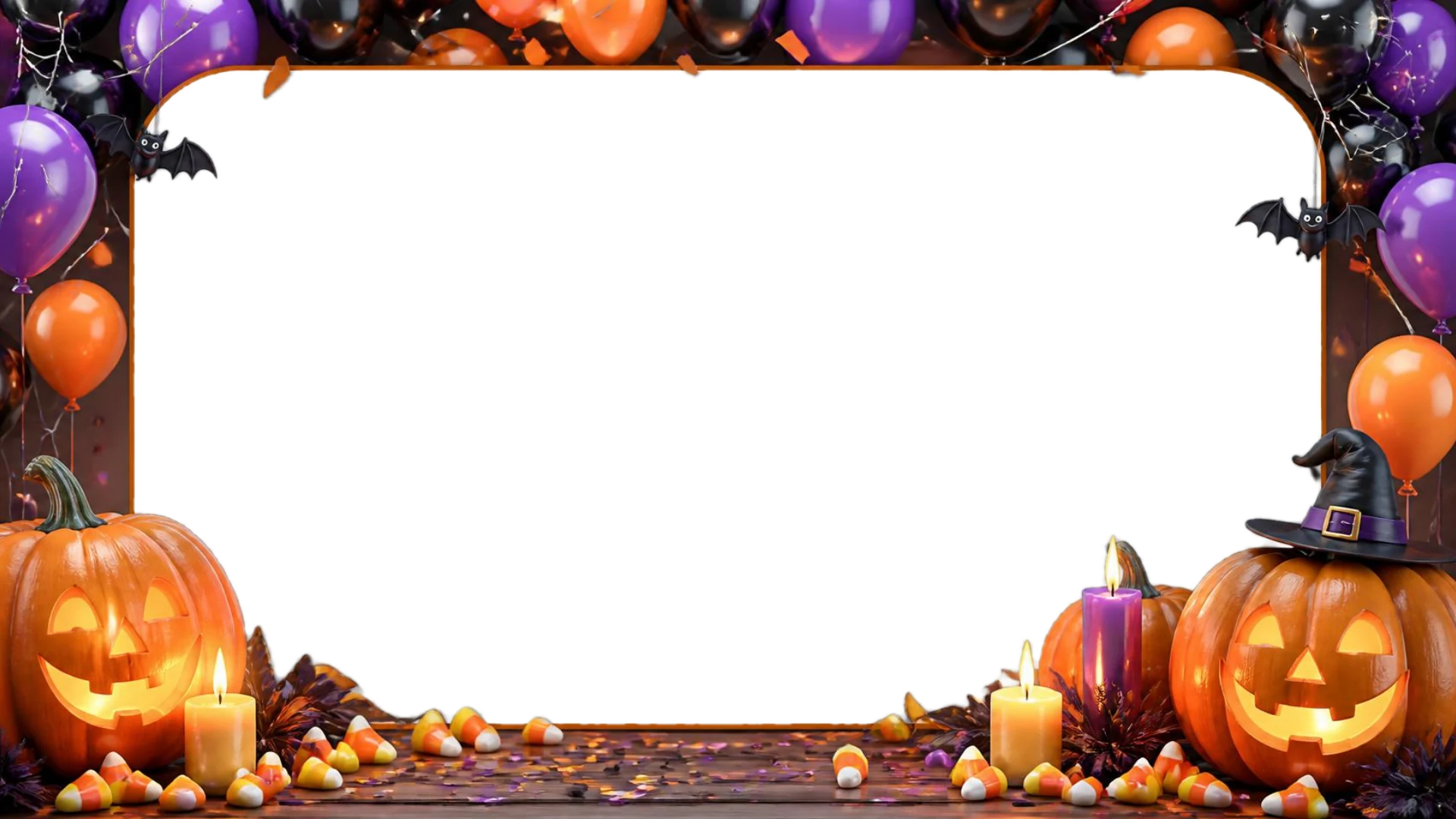
Pick a theme and Pixi places your photos inside illustrated artwork: roses and ribbons for a wedding, balloons for a birthday, fireworks for New Year. Thirteen themes, each in three shapes.
- Large: a full-screen rectangle around the photo
- Square or circle: a frame in the middle with the names and date at the sides
- Smart: large while only photos show, circle when reactions or comments are on
 F7
F7
Reactions and comments, live
Guests can react to any photo and leave a comment. Both appear on the big screen as they arrive: reactions on the left, comments on the right.
- Hearts and other reactions with live counts
- Comments appear next to the photo for everyone in the room
- Turn reactions, comments or guest names on and off whenever you like
 F814 6
Maria What a night!
A download link for your guests
When the party is over, send one link by message or email. Guests download the event photos in one go, with no app and no account.
- Choose how long the link works: 7, 30 or 90 days, or no expiry
- You can always download everything yourself, in original quality
- Share it on WhatsApp, by email or copy the link
 F9 Download all photos
You stay in control
Photos can appear right away or wait for your approval. Hide or remove anything, block a guest, and add a co-host such as your partner or planner with the same controls you have.
- Approve each photo first, or let them appear instantly
- Remove a photo or a comment in one tap
- Keep the gallery private: only people with your link or QR can join
 F10
F10Display it your way
Show one big photo, a wall of recent photos, a mosaic, floating photos, or the previous, current and next together. Add your title, names and date.
- Large Photo, Polaroid, Elegant Frame and Minimal
- Photo Wall, Mosaic, Floating Photos and Previous · Now · Next
- Your own logo and colors on the Custom theme
 F11
F11 F12
F12 F13
F13 F14
F14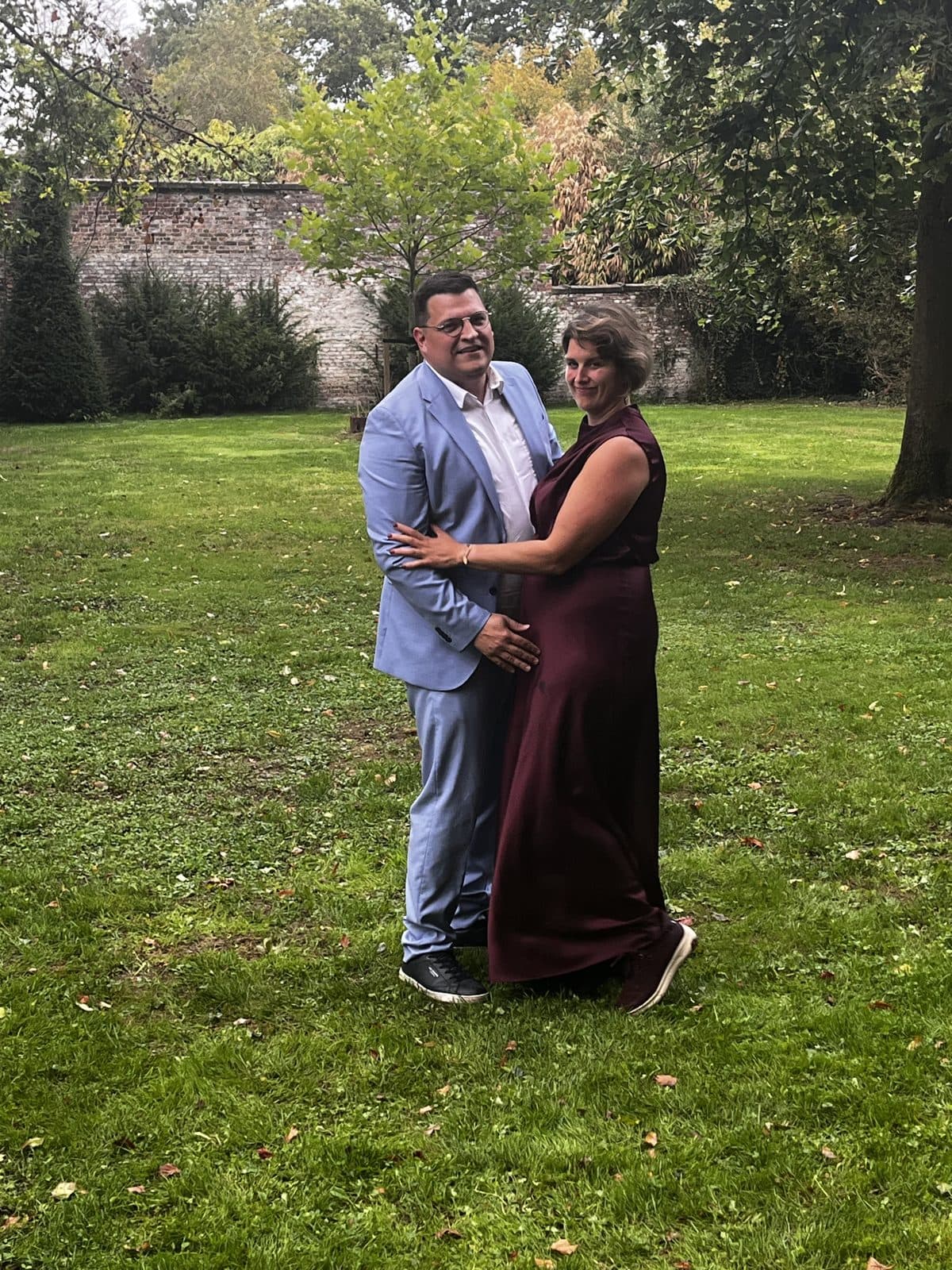 F15
F15 F16
F16- Selected plans
Keepsakes from the best moments
Turn your favorites into a short highlight video or a photo book to keep and share.
- Pick the photos you love
- Generate the video in one click
- Download it and share it
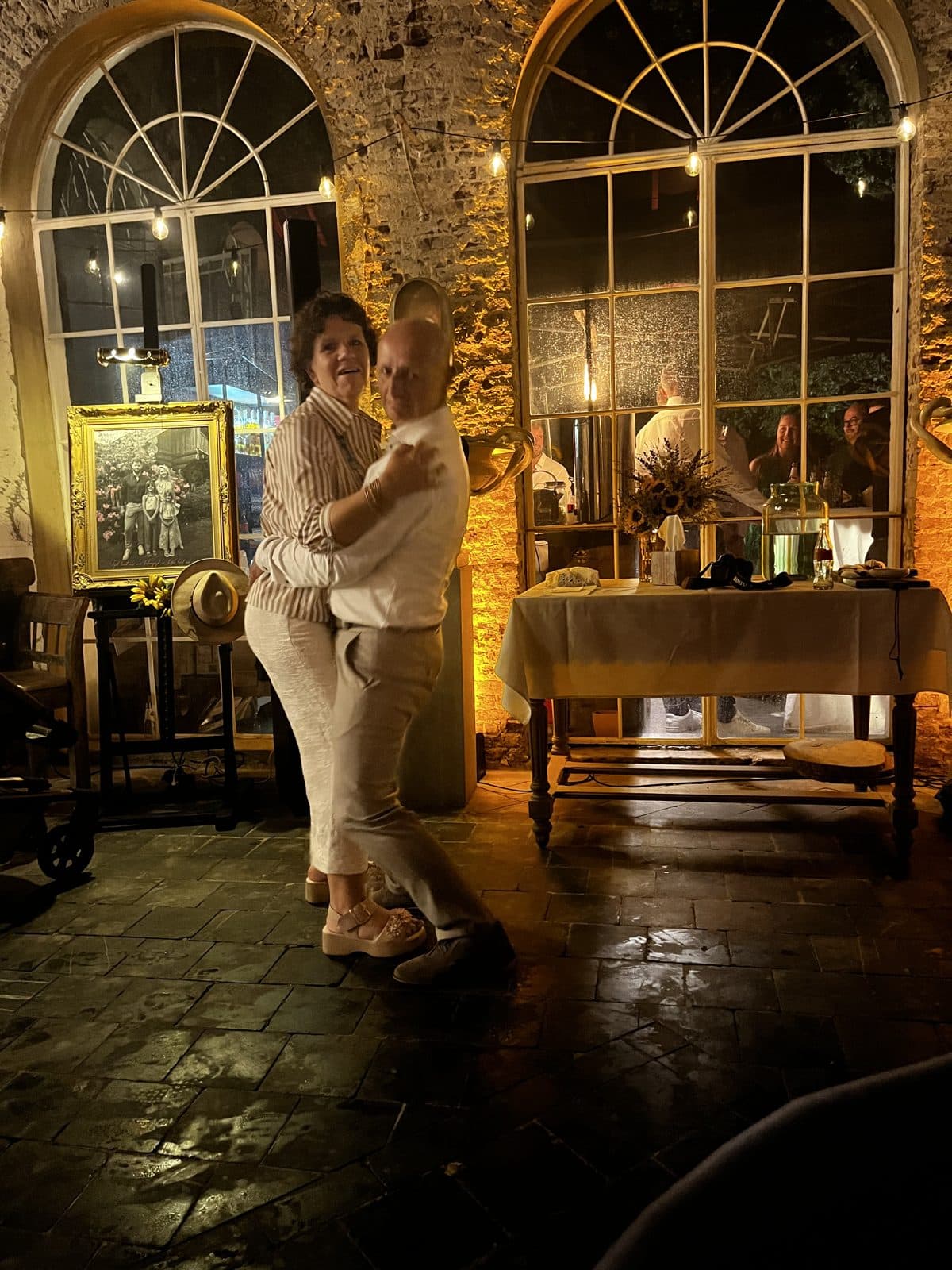 F17 0:42
Thirteen themes, three shapes each
Every theme has a large, a square and a circle frame. Change it any time from your event.
 F18
F18Wedding

 F19
F19Birthday

 F20
F20Classic

 F21
F21Baby Shower

 F22
F22Corporate

 F23
F23Anniversary

 F24
F24Christmas

 F25
F25Graduation

 F26
F26Pride

 F27
F27Engagement

 F28
F28Family Party

 F29
F29New Year

 F30
F30Halloween
Ready to bring your guests together?
Create your event F31
F31